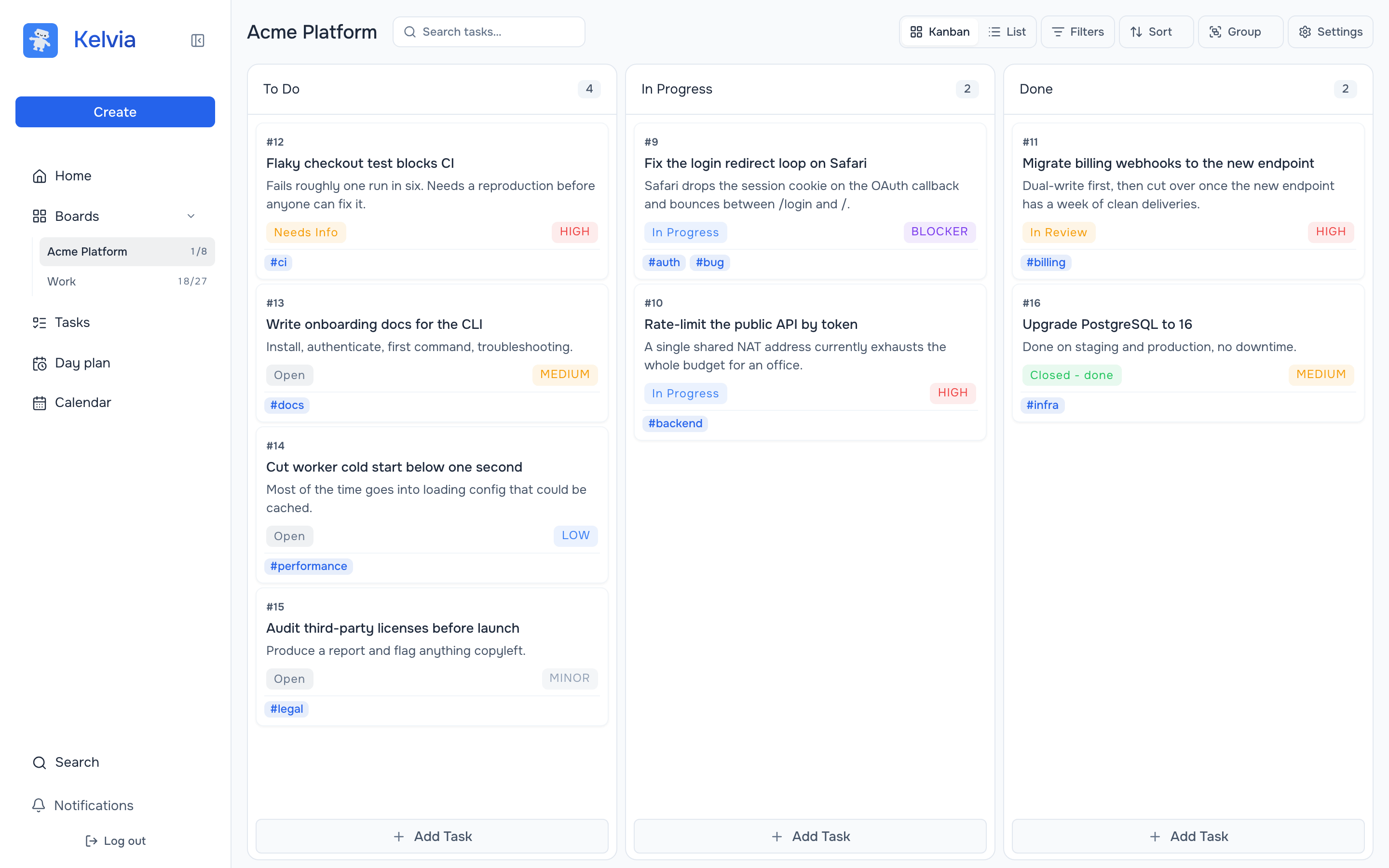
TL;DR: Put the branch, exact test result, unfinished work and next step in a short note. Let Codex inspect the actual diff before it trusts that note.
Use a file in the repo for a one-off transfer. Use a shared task when the work will bounce between agents or people. Neither method moves code for you: both agents still need the same checkout or a pushed branch.
What does the next coding agent actually need?
Imagine Claude Code starts a Safari OAuth callback fix, changes two files and stops when one integration test fails. Telling Codex to "continue where Claude left off" gives it no reliable starting point. A useful handoff has six pieces:
- Outcome: the user-visible behavior and what counts as done.
- Code location: repository, branch, commit and whether there are uncommitted edits.
- Work done: files changed and the reason for each change.
- Evidence: exact test commands with pass or fail results; never say "tested" without naming the test.
- Open problem: the current failure or uncertainty, not a polished story about progress.
- Next action: one bounded thing to inspect or try.
This is task state, not conversation history. A complete transcript can contain guesses that were later disproved. The handoff should contain the latest verified state.
What does a copyable Claude Code handoff look like?
Ask Claude Code to write a small handoff file before it stops. Here is a hypothetical example; the command and result are illustrative, not a claim about Kelvia's own test suite:
# HANDOFF.md - Safari OAuth callback

Goal: After OAuth approval, Safari returns to the pending task instead of /home.
Acceptance: callback preserves the return path; Chrome behavior stays unchanged.

Repo state: branch fix/safari-oauth-return at commit abc1234.
Uncommitted changes: yes; inspect git status and git diff before editing.
Changed: src/auth/callback.ts (return-path parsing),
         test/auth/callback.test.ts (Safari regression case).

Checked: npm test -- --runInBand test/auth/callback.test.ts
Result: FAIL - Safari return-path case, expected /tasks/42, received /home.
Other tests: not run.

Blocked on: whether the callback drops the path before or after state validation.
Next: reproduce with the failing fixture; inspect the state decode path.
Do not mark the task complete until the regression test passes.
Put the real branch and command in your note. If the work is only on one machine, open Codex in that checkout. If it is on another machine, push the branch first. Uncommitted changes do not travel with a pushed commit, so either commit them deliberately or describe how to transfer the patch. Do not paste secrets, tokens or private logs into the note.
For a single task, a file like this is often enough. You do not need Kelvia to make this handoff work.
How should Codex pick up the task?
Start Codex in the repository with the handoff file available. Give it an instruction that separates verification from implementation:
Read HANDOFF.md. Before changing anything, run git status,
inspect the current diff and identify the relevant test.
Tell me whether the repo matches the handoff and what you will do next.
Do not discard uncommitted changes. After I confirm, reproduce the failure,
make the smallest fix and report the exact test result.
The check matters because the note can be stale. Someone may have rebased the branch or fixed the bug since Claude wrote it. If Codex sees a mismatch, the right next step is to reconcile the code and note, not charge ahead. Keep the final summary short enough that the next person can scan it.
How does the same handoff work in Kelvia?
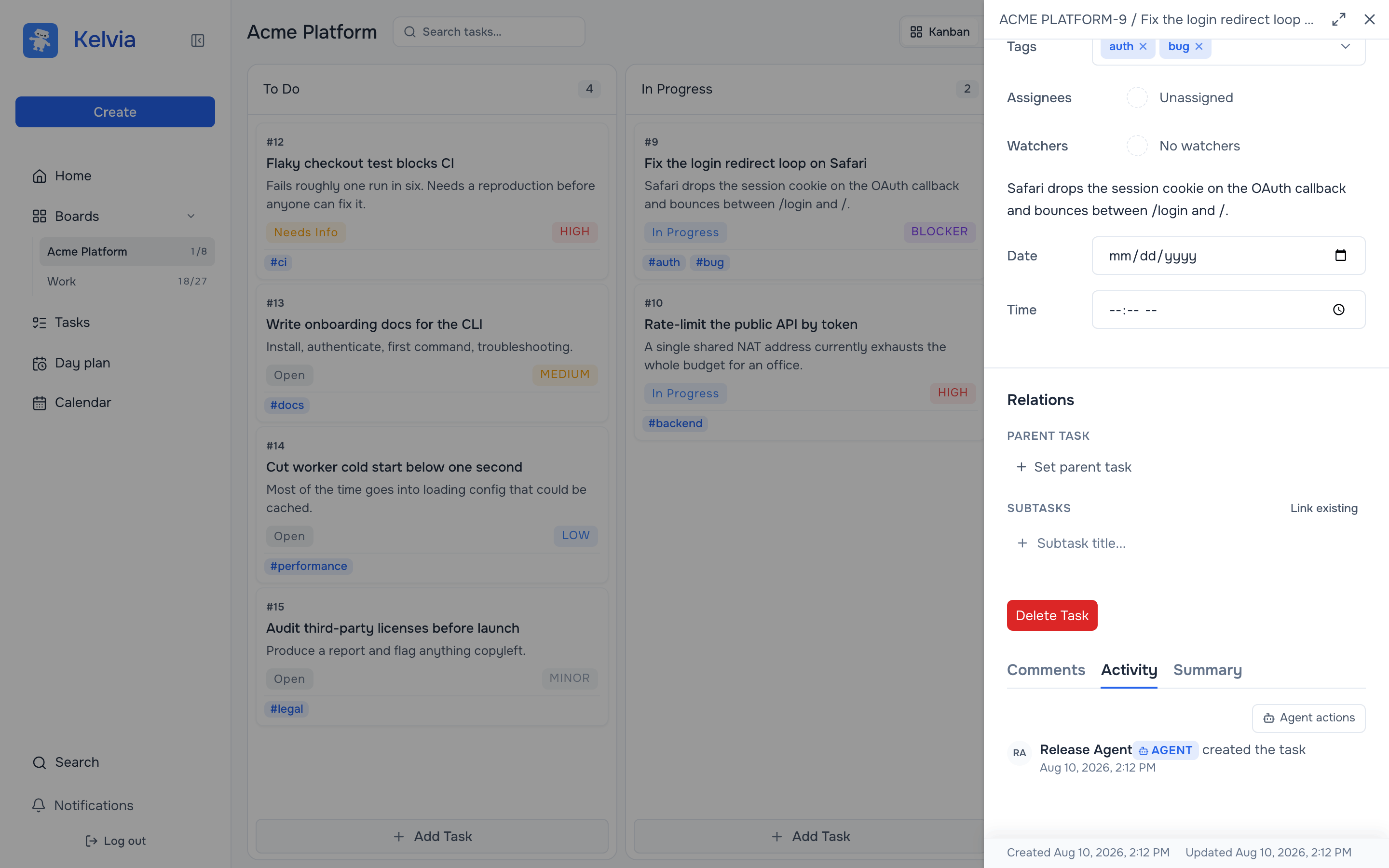
When the task already lives on a board, use its Summary as the durable handoff note. Kelvia's MCP server exposes get_task_summary, set_task_summary, task updates and comments. Claude Code can write the six fields above; Codex can read them from the same task. Both can leave the test outcome next to the work rather than in separate chats.
Connect both clients to the hosted MCP endpoint:
claude mcp add --transport http --scope user kelvia https://mcp.kelvia.app/mcp
codex mcp add kelvia --url https://mcp.kelvia.app/mcp
codex mcp login kelvia
In Claude Code, use /mcp to authenticate Kelvia in the browser. In Codex, the login command starts its OAuth flow. Then hand the same task to both:
Claude Code: Read Kelvia task #42. At the end of this session,
replace its Summary with the goal, branch/commit, changed files,
exact tests and results, blocker and next step. Leave a comment
with the result. Do not mark it Done.

Codex: Read Kelvia task #42 and its Summary. Inspect the matching
repository checkout and diff before editing. If the board and code
disagree, stop and explain the mismatch.
Use the actual board and task number in your prompt. Kelvia is useful here because the status, summary and discussion remain visible to a person who never opened either agent chat. The MCP setup guide has the full connection details; the Claude Code and Codex guides cover each client separately.
What does Kelvia not transfer?
It does not replay Claude Code's private conversation inside Codex. It does not copy the repository, commit a patch or guarantee a test passed. Git handles code state; the receiving agent verifies it. Kelvia holds the shared task state and history.
These setup commands follow the current Claude Code MCP documentation and Codex MCP documentation. If either client changes its CLI, use those official pages as the source of truth.
FAQ
Can Codex read a Claude Code conversation?
Not by default. Give it a concise note and the same repository state. A shared task can keep that note available across sessions.
Do I need Kelvia to hand off a task?
No. A short file in the repo is enough for one handoff. Use Kelvia when the task has multiple readers or needs an ongoing status and history.
Does Kelvia transfer code between Claude Code and Codex?
No. Git or a shared checkout carries code. Kelvia carries the task summary, status, comments and work history.
What should the receiving agent verify first?
Branch, commit, working-tree diff and the claimed test result. A handoff note is a report, not proof that the code is correct.
One task, two coding agents
See whether a shared task helps your workflow
Try the board with one real handoff. Keep the code in Git and keep the next step where both agents can find it.
Try for free